
Custom overlay widgets for real-time Resolume parameter monitoring via OSC and Web Server.
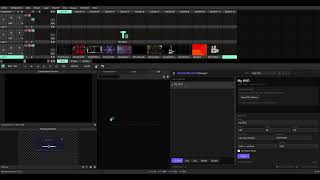
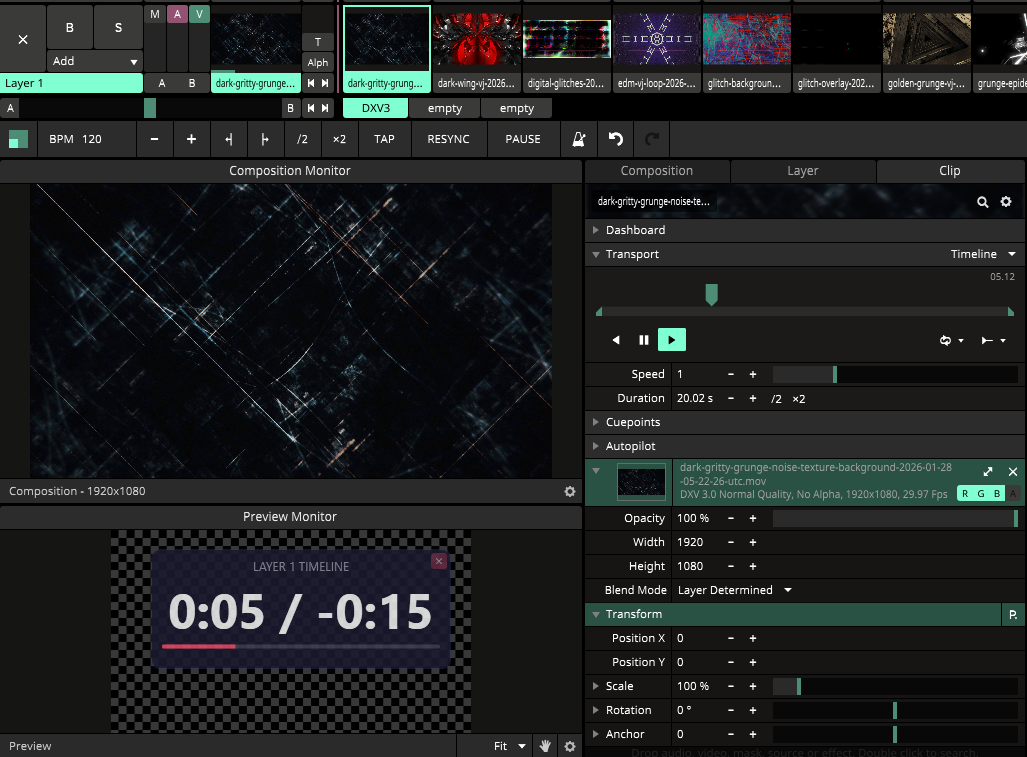
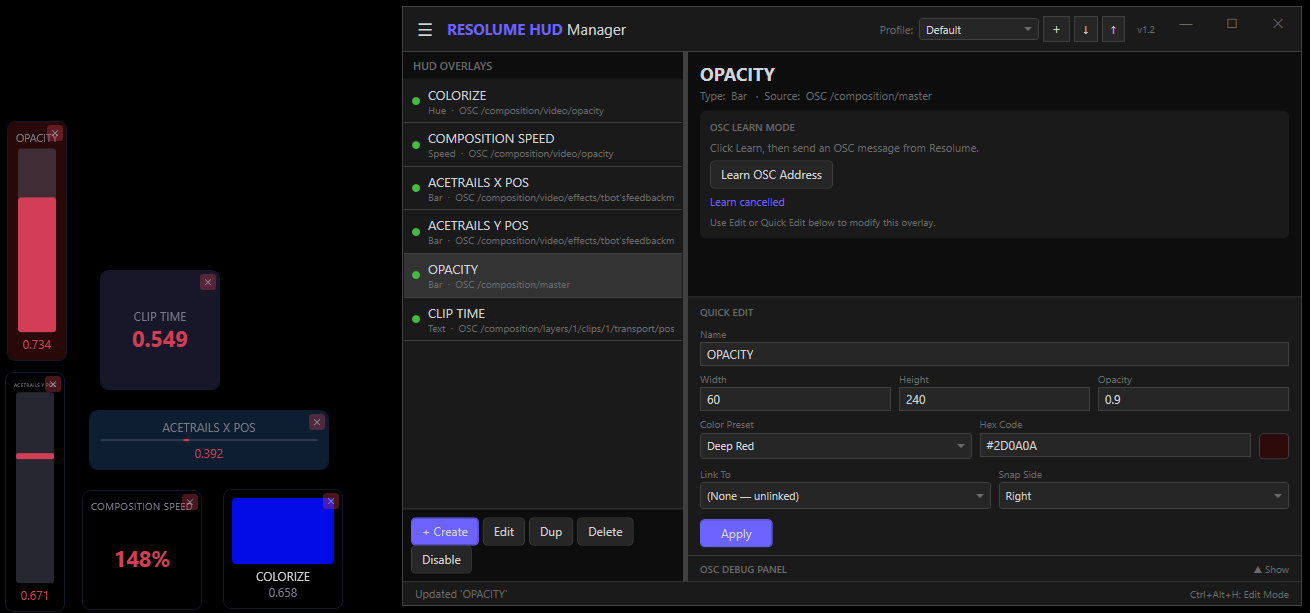
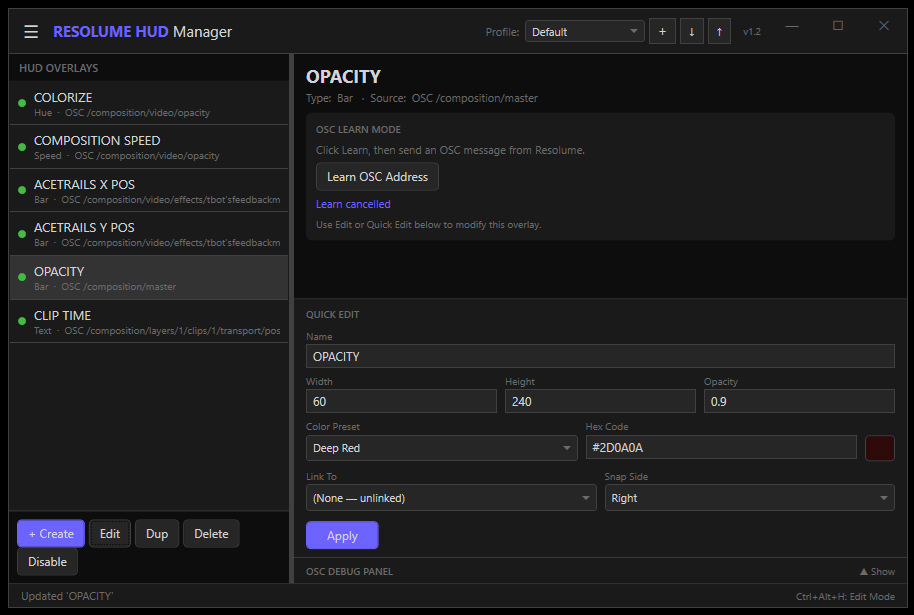
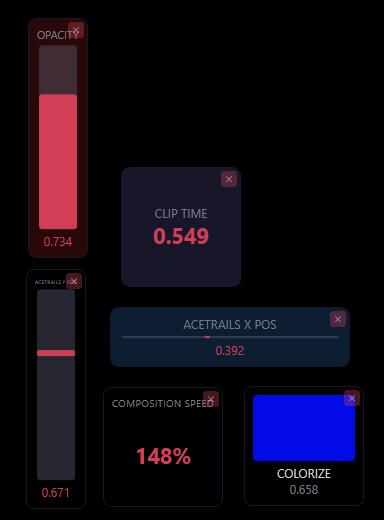
Resolume HUD is a heads-up display builder designed for live visual artists and operators. It connects to Resolume Arena or Avenue via OSC, allowing you to create fully custom overlay widgets that monitor parameters in real time — without ever leaving your show.
Whether you need to keep an eye on colorize values, effect intensities, BPM, or any mapped parameter, HUD gives you a persistent, always-visible readout that sits on top of your workspace. Think of it as your flight instruments for live visuals.
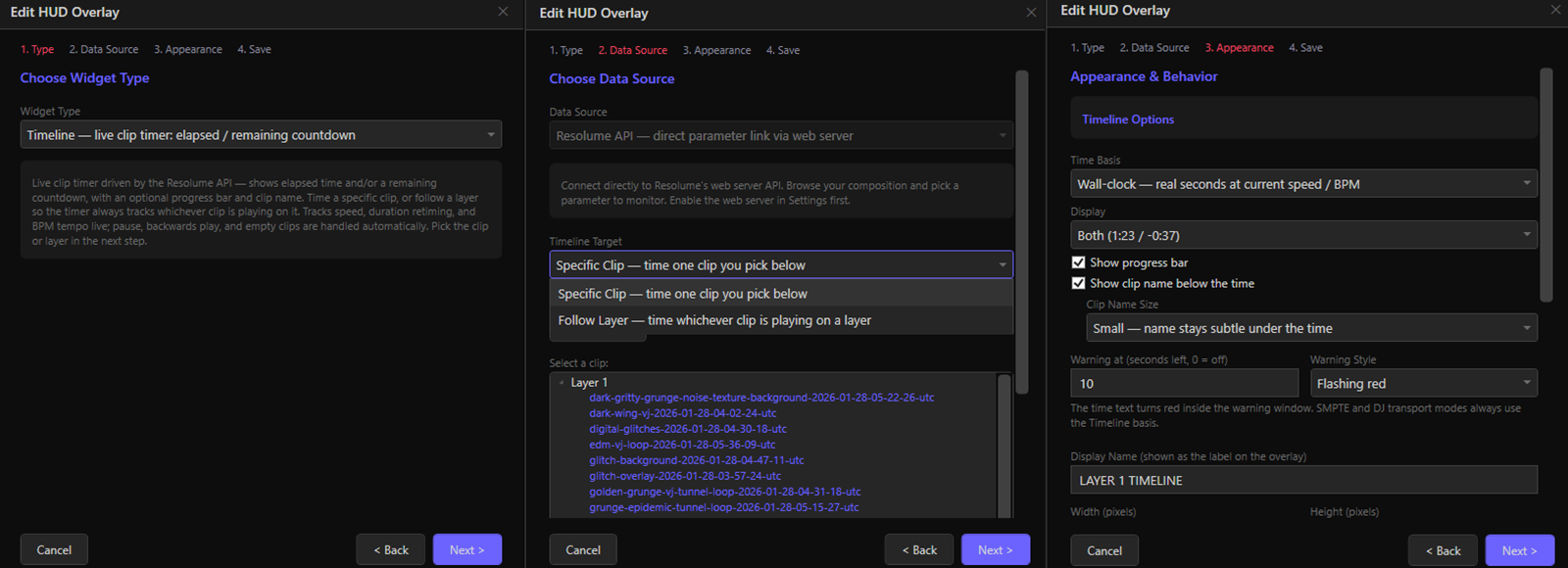
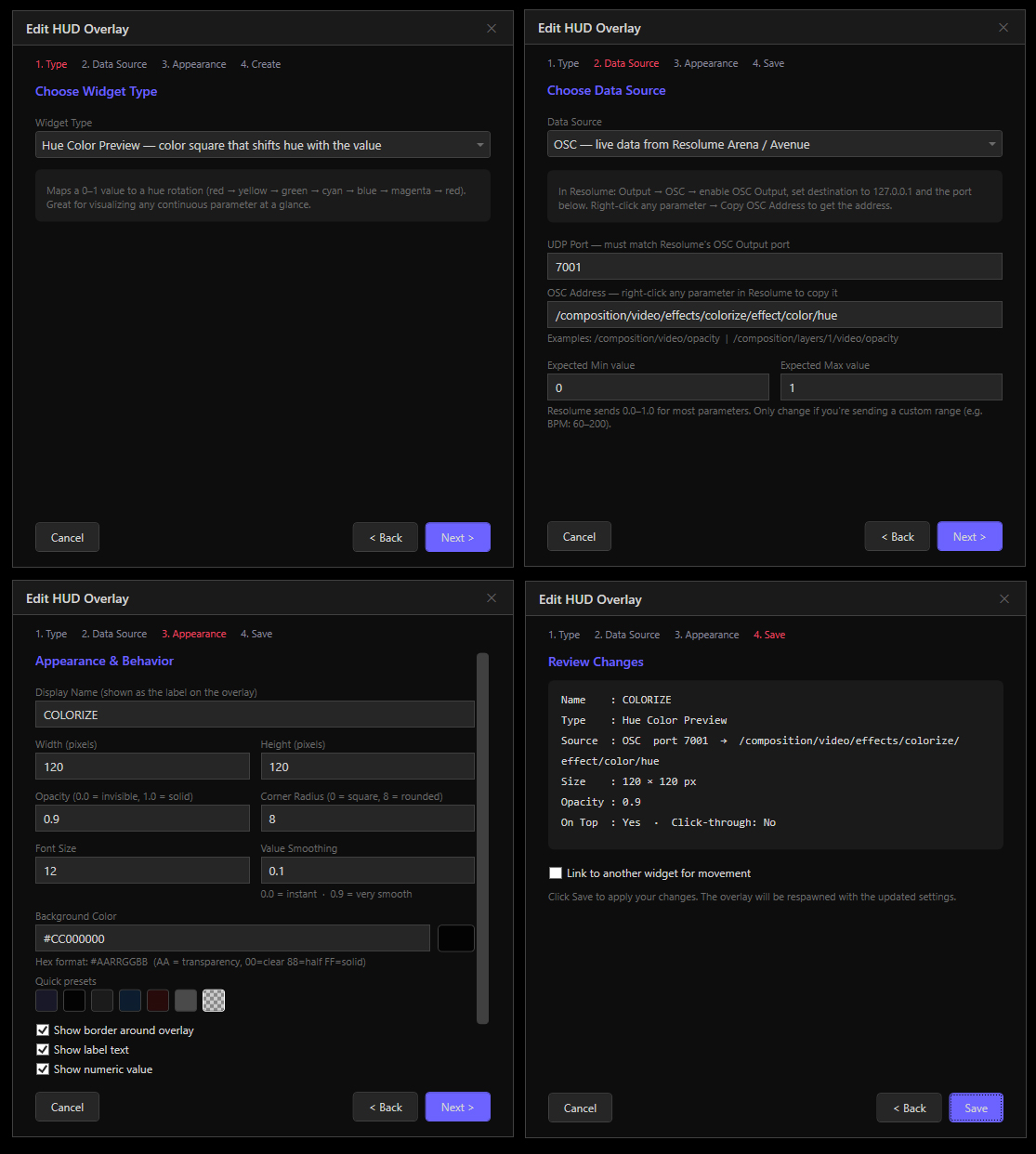
Design your own widgets from scratch. Choose what to monitor, how it looks, and where it lives on your screen.
Live parameter values stream directly from Resolume via OSC. No polling, no delays — true real-time feedback.
Widgets stay visible even in Resolume's Show Mode. Monitor your show without switching windows or losing focus.
Visual color swatches that update in real time as you adjust colorize effects. See your actual output colors at a glance.
Minimal system footprint. Runs alongside Resolume without impacting performance during your show.
Place widgets anywhere on your screen. Resize, reposition, and lock them in place for your ideal layout.
Resolume HUD communicates with Resolume through OSC (Open Sound Control) over localhost. Once you enable OSC output in Resolume's preferences, HUD listens for parameter changes and updates your widgets in real time. No network setup, no configuration files — just enable OSC and start building widgets.
Open Preferences → OSC and enable OSC output on localhost.
Run the application. It automatically connects to Resolume's OSC output.
Create widgets, map them to parameters, position them on screen, and lock them down.
Your widgets update in real time as you perform. Always visible, never in the way.